
 The Ridgeway, St Albans, Herts, AL4 9NX |


Online Safety
At Sandringham, we take the safety of our students in the physical and online worlds very seriously. The internet is an integral part of children’s lives. It opens up many educational and social opportunities, giving them access to a world of information and experiences.
As you would protect your child in the physical world, you will want to make sure that they are safe when in a virtual space too. Like learning to cross the road, online safety skills are skills for life. If your child understands the risks and can make sensible and informed choices online, they can get the most from the internet and stay safe whilst doing so – particularly from those people who might try to exploit them.
Teaching children how to be responsible online is important work that feeds into the personal development all of our teaching at Sandringham. Alongside the curriculum, we aim to equip students for the safe use and responsible decisions with digital technology well into the future. Ultimately with the excellent IT infrastructure that exists at Sandringham we believe in empowering students to make smarter online decisions will keep them safe.
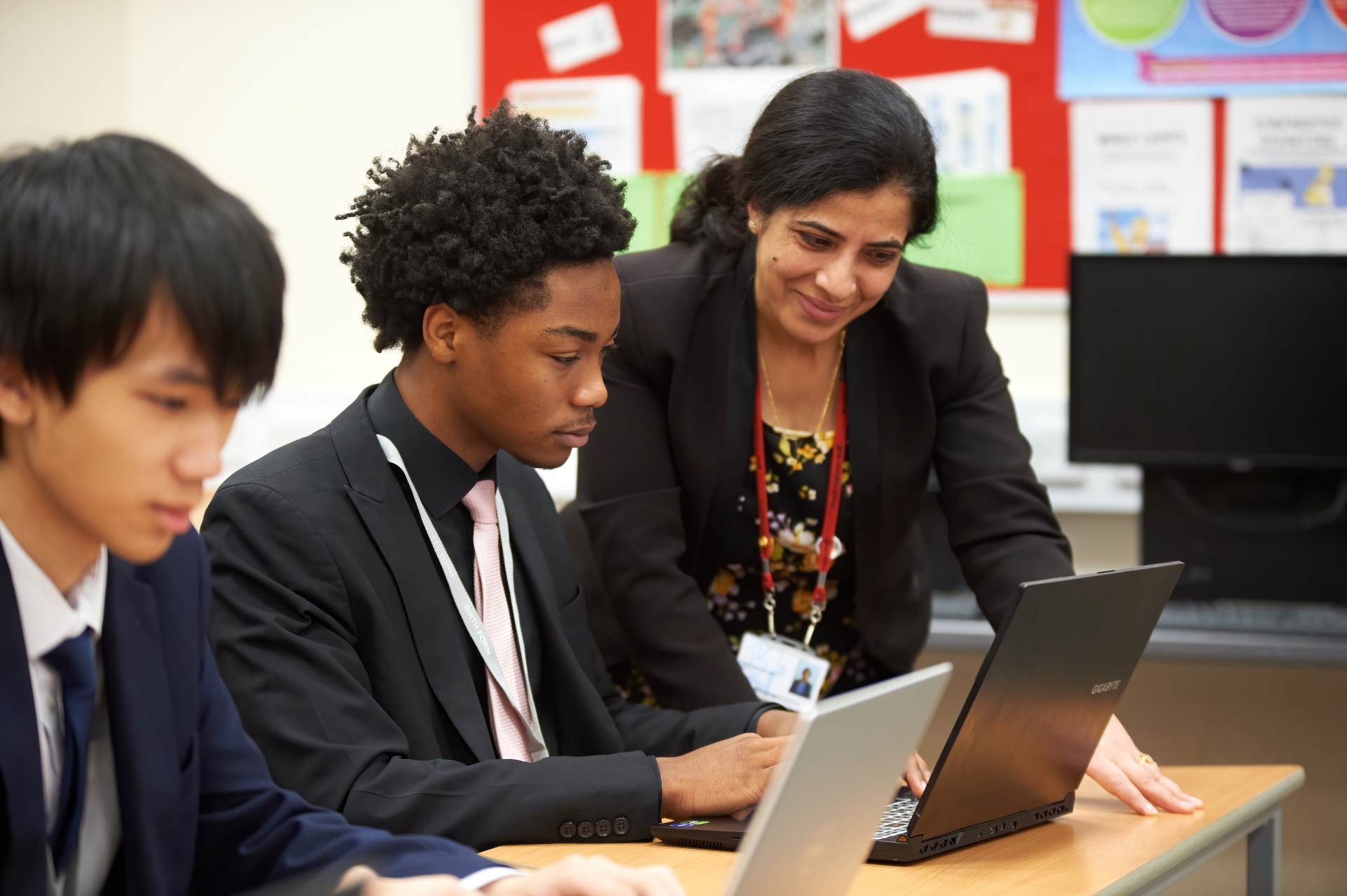
How does the school educate students about online safety?
The school has developed an online safety curriculum which students from Year 7 through to Year 13 study. The content of delivered has been carefully planned and mapped to the UKCIS framework ‘Educating for a Connected World’. Our taught curriculum covers issues such as online safety, trustworthiness of websites, online threats such as malware, computing legislation and people’s rights, cyberbullying, sexting, digital footprint and building a positive digital reputation.
This is delivered via:
- The Personal Development curriculum throughout all years
- Computer Science curriculum throughout all years
- UK Safer Internet Day assemblies and theme week in February of each year
- Support via Form Tutors and Performance Directors
- All students sign an Acceptable Use Agreement for IT services at school, and school networks and Wifi are filtered and monitored.
How can you protect your child online?
Simply put, if you understand the internet and understand what the risks are, there are a number of things you can do that will make your child safer online. Below you will find a list of some websites you can visit to find out more.
The school hosts an annual Online Safety information evening for parents and carers which is led by an industry expert. We strongly encourage parents and carers to attend this insightful event.
We encourage parents to maintain active discussions with their children around eSafety, put filtering in place at home and to impose sensible time limits on the use of devices at home. Parents may be interested in the OurPact app that can help to easily manage this. Any homework that may require Internet access will be published within Google Guardian Summaries with guidance on the time that the task should take to complete.
In school, we have a very clear internet safety policy and each year all students are educated how to stay safe online. The school also makes use of filtering and monitoring systems to ensure students are safe whilst using the internet and other online tools.
For those parents who are concerned about their children’s safety or the internet, the following sites provide useful advice:
- www.thinkuknow.co.uk – a site run by CEOP (Child Exploitation and Online Protection centre) with up to date information for children of different ages and parents.
- http://www.saferinternet.org.uk/advice-and-resources/parents-and-carers/parents-guide-to-technology – A guide to answer questions and introduce some of the most popular communication devices, highlighting the safety tools available and empowering parents with the knowledge they need to support their children to use these technologies safely and responsibly.
- https://swgfl.org.uk/online-safety/10-online-safety-tips/ – provides online safety advice for parents, children and schools.
The links below will all help support how you can set up parental controls on your home network, whilst also working with students to support their safe and responsible use:
- Parent Safe: Has the most up-to-date information for parents
- NSPCC: Keeping children safe online (Including tips on tightening home network settings)
- Internet Matters: Parental controls
- CEOP:For reporting concerns
- Parent Zone: Be Internet Legends resources
- Common Sense Media:App, game and film guides
- Smartphone Free Childhood: A parent movement that our school is engaging with from 2026
VPNs
A VPN, or Virtual Private Network, is a service that hides your online activity and your location. VPNs can be a useful tool for security and privacy purposes, for example if you’re connecting to less secure networks like public Wi-Fi.
VPNs stop your internet provider (e.g. BT, Sky, Virgin Media or TalkTalk) from seeing what you do online and make it look like you’re in a different city or country.
There has been an increase in the number of VPNs downloaded for use across the internet both globally and nationally and are aware that some students or families will use them. With the school’s filtering and monitoring software there is no need to use a VPN and this is in contravention of our Acceptable Use Agreement.
To help keep students safe online, our school network blocks the use of most VPN services. This protection is provided through RM, our internet service provider, and helps prevent tools that could bypass important online safety and safeguarding systems. While no online control is completely fail-proof, this approach helps ensure that filtering, monitoring, and other protective measures remain in place when students use the school network, supporting a safe and secure digital environment for learning.
Tips for Parents/ Carers on VPNs
You may not want to promote the use of a VPN to those in your care, but if they seem to be using one or you need to address it, we have put together some tips on how you can navigate this.
Sew Seeds of Online Safety
Instead of just setting a rule, explain the reasoning behind it. Age restrictions online are there to shield young people from complex or harmful content, just like a PG rating on a film. Discuss how some parts of the internet are adult spaces designed for adult conversations and problems. By explaining that the goal is to protect their wellbeing and peace of mind, you reframe the boundary as an act of care. This helps build their understanding and makes them more likely to respect the rules you set together.
Have Open Conversations about Online Privacy
Talk to young people about their online habits, including why they might feel the need to use a VPN. This is an opportunity to discuss the importance of staying safe and being open with trusted adults. You can acknowledge their right to privacy while also setting boundaries for age-appropriate access. Fostering an environment of open communication and trust is the best way to ensure their safety.
Use Parental Controls Effectively
Make use of the available safety settings and parental controls on devices and home networks. These tools can help manage screen time, control in-App purchases, and restrict access to age-inappropriate content. While some of these can be bypassed by a VPN, it’s a vital first step. We recommend having an open conversation with your child about why these controls are in place to build trust, rather than having them feel like you are spying on them.
Open-ended Questions to Start the Conversation
- I’ve been hearing a lot about VPNs in the news recently. Can you tell me what you know about them?
- Can you show me how that App works? I’m curious to understand it more.
- What made you curious to try a VPN in the first place?”
- You know how films have age ratings like ’12A’, ’15’, or ’18’? Why do you think those exist?
- How do you think that same idea of age ratings might apply to different websites, Apps, or online games?
- Have you ever stumbled across something online – a comment section, a video, a news story, that just felt like it was meant for adults?
- When I set rules around online use, what do you think my number one reason is for doing that?
For further information on VPNs and other online security measures Safer Schools has a wealth of support articles and guidance to support parents and carers.
Reporting To School
Almost all cyberbullying incidents take place outside of school hours. We explain to students that their online conduct outside hours still needs to meet the high standards of behaviour we would expect in school and all reports of cyberbullying will be investigated and taken seriously.
If you need to report an incident, please contact your son/daughter’s form tutor in the first instance. We are here to support you and we will do whatever we can to help and keep students safe. If the incident occurs outside of our jurisdiction, it may be necessary for us to advise you to call the police non-emergency number (101).
The following documents relating to online safety may be useful for parents and carers. Many of these publications are available in other languages. Please contact the school if you would like a copy sent to you in different language and we will try to assist.


